 Tutorials
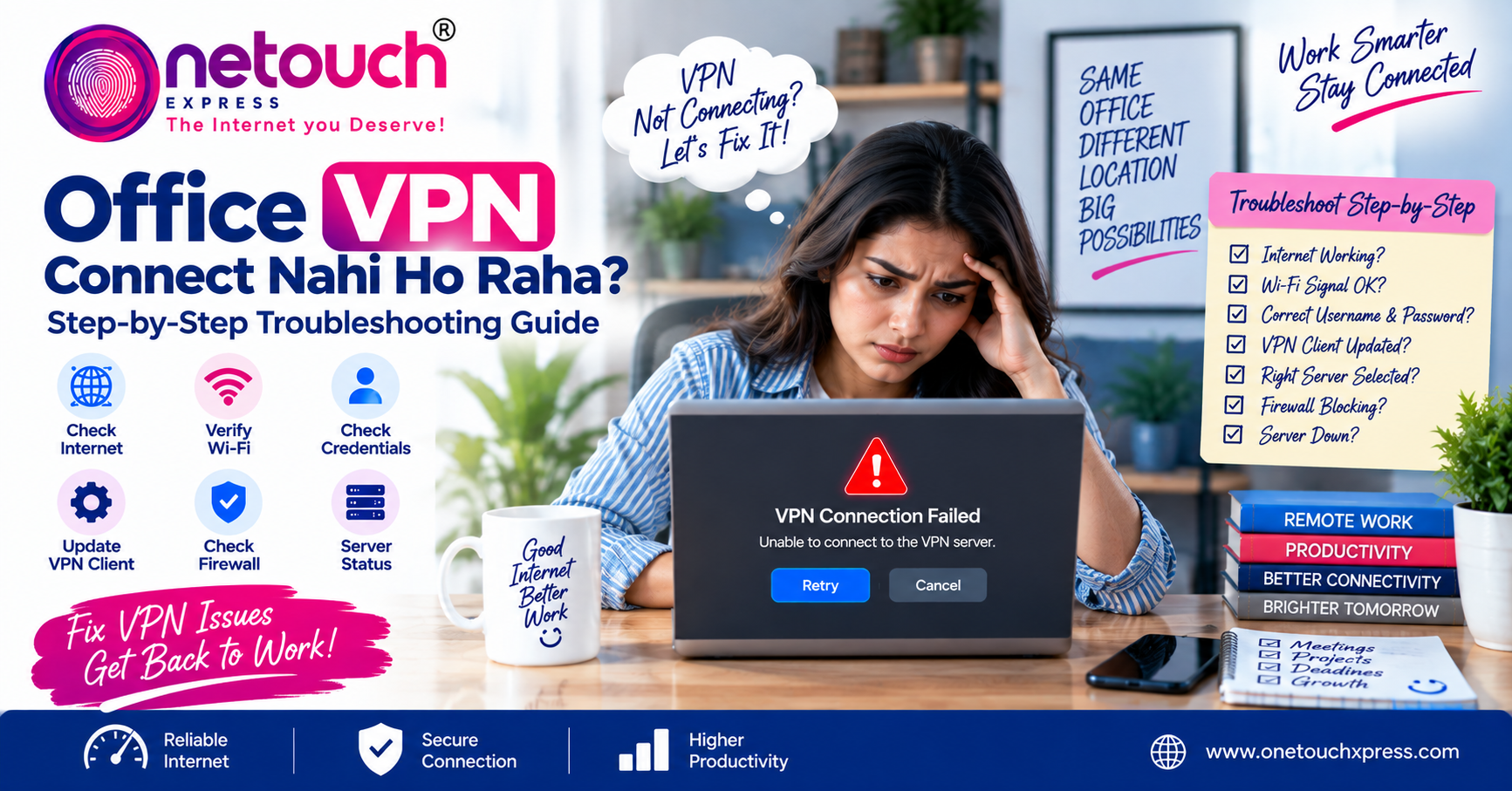
Office VPN Connect Nahi Ho Raha? Step-by-Step Troubleshooting Guide

Office VPN Connect Nahi Ho Raha? Step-by-Step Troubleshooting Guide
Work From Home और remote working के दौरान Office VPN एक important tool हो सकता है। कई companies VPN यानी Virtual Private Network के through employees को office network, internal applications, shared folders और other business resources securely access करने देती हैं।
लेकिन कभी-कभी laptop या desktop पर VPN connect नहीं होता। Connection बार-बार fail हो सकता है, authentication error आ सकता है या VPN connect होने के बाद कुछ office resources open नहीं होते। ऐसी situation में सबसे पहले यह समझना जरूरी है कि problem internet, VPN software, login details, device settings या office VPN server में कहाँ है।
1. सबसे पहले Internet Connection Check करें
VPN connect होने के लिए आपके device का internet से properly connected होना जरूरी है। सबसे पहले VPN application बंद करके कुछ normal websites open करके देखें।
अगर websites भी open नहीं हो रही हैं, तो problem VPN की बजाय आपके broadband, Wi-Fi या local network connection में हो सकती है।
Wi-Fi इस्तेमाल कर रहे हैं तो router connection भी check करें। Possible हो तो दूसरे device पर internet test करके देखें।
2. Wi-Fi को Check करें
Weak या unstable Wi-Fi VPN connection को प्रभावित कर सकता है। अगर laptop router से काफी दूर है, तो signal strength check करें।
एक simple test के तौर पर laptop को router के relatively पास ले जाकर VPN connect करके देखें। अगर connection improve हो जाता है, तो Wi-Fi coverage या wireless stability को further investigate करें।
अगर possible हो तो Ethernet cable से भी test किया जा सकता है। इससे Wi-Fi related issue को identify करने में मदद मिल सकती है।
3. VPN Username और Password Verify करें
VPN authentication fail होने का एक common reason incorrect credentials हो सकता है। Username, password और company द्वारा दिए गए authentication details carefully check करें।
अगर आपकी company Multi-Factor Authentication यानी MFA इस्तेमाल करती है, तो verification request या authentication code की process भी check करें।
ध्यान रखें: OTP, password या किसी confidential authentication information को किसी अनजान व्यक्ति के साथ share न करें।
4. VPN Client को Restart करें
कभी-कभी VPN application temporary software issue की वजह से connection establish नहीं कर पाती। VPN client को completely close करके दोबारा open करें और फिर connection attempt करें।
अगर problem बनी रहती है, तो device restart करके फिर से test करना भी useful basic troubleshooting step है।
5. सही VPN Server या Profile Select करें
कुछ organizations multiple VPN servers या connection profiles provide करती हैं। अगर गलत server या profile selected है, तो authentication या connection problem हो सकती है।
Company की IT team द्वारा दिए गए official instructions के अनुसार server और VPN profile verify करें। बिना permission के unknown VPN server या configuration इस्तेमाल न करें।
6. VPN Client Update Check करें
पुराना VPN client कभी-कभी company के updated infrastructure या authentication system के साथ compatibility problem create कर सकता है।
अगर company की IT team ने कोई specific VPN software version recommend किया है, तो उसी official version का इस्तेमाल करें।
7. Firewall या Security Software Check करें
Device पर मौजूद firewall या security software network traffic को control कर सकता है। कुछ configurations VPN connection को interfere कर सकती हैं।
लेकिन security software को permanently disable करना safe troubleshooting approach नहीं है। अगर आपको लगता है कि security configuration VPN को block कर रही है, तो company IT administrator से check करवाएं।
8. VPN Server पर Problem हो सकती है
हर VPN problem आपके laptop या internet connection की वजह से नहीं होती। कभी-कभी company का VPN server temporarily unavailable हो सकता है या server पर ज्यादा load हो सकता है।
अगर कई employees को एक ही समय पर VPN connection problem आ रही है, तो company IT team से confirm करना useful रहेगा।
9. VPN Connect होता है लेकिन Office Resources नहीं खुलते?
कुछ situations में VPN successfully connected दिखाई देता है, लेकिन internal website, shared folder या office application access नहीं होती।
इसका कारण DNS, routing, permissions या company network configuration से related हो सकता है। ऐसे case में VPN को बार-बार reconnect करने के बजाय IT team को exact error और affected resource की जानकारी दें।
10. Problem को सही तरीके से Report करें
अगर basic troubleshooting के बाद भी VPN connect नहीं हो रहा है, तो IT support को detailed information देना problem resolve करने में मदद कर सकता है।
IT Support को ये Details दें
- VPN client का नाम
- Exact error message
- Problem कब शुरू हुई
- Normal internet काम कर रहा है या नहीं
- Wi-Fi या Ethernet connection इस्तेमाल हो रहा है
- VPN connect होता है या authentication पर fail होता है
- क्या दूसरे employees को भी same problem हो रही है
Quick VPN Troubleshooting Checklist
| Check | क्या करें? |
|---|---|
| Internet | Normal websites open करके connection check करें |
| Wi-Fi | Signal check करें और possible हो तो Ethernet test करें |
| Credentials | Username, password और MFA details verify करें |
| VPN Client | Application restart और approved update check करें |
| VPN Profile | Company instructions के अनुसार server/profile verify करें |
| Server | IT team से VPN server status confirm करें |
क्या VPN Problem के लिए Broadband Upgrade करना चाहिए?
जरूरी नहीं। अगर normal internet ठीक चल रहा है लेकिन VPN connect नहीं हो रहा, तो सिर्फ broadband speed बढ़ाने से problem solve नहीं होगी।
पहले authentication, VPN client, server availability, Wi-Fi stability और company configuration जैसे factors check करें।
अगर normal internet भी unstable है, तब broadband या local network issue को separately investigate करना चाहिए।
Final Thoughts
Office VPN connect नहीं होने पर घबराने की जरूरत नहीं है। सबसे पहले normal internet connection check करें, फिर Wi-Fi, credentials, VPN client और approved VPN profile को step-by-step verify करें।
अगर VPN फिर भी connect नहीं होता या VPN connected होने के बावजूद office resources access नहीं हो रहे हैं, तो exact error details के साथ company IT support से contact करें।
सबसे important बात यह है कि VPN और security settings में बिना proper authorization के major changes न करें। Company की official IT instructions follow करना ज्यादा सुरक्षित approach है।
Stay Connected. Work Without Interruptions.
Reliable internet और सही network setup आपके Work From Home experience को ज्यादा smooth और productive बनाने में मदद कर सकते हैं।