 Tutorials
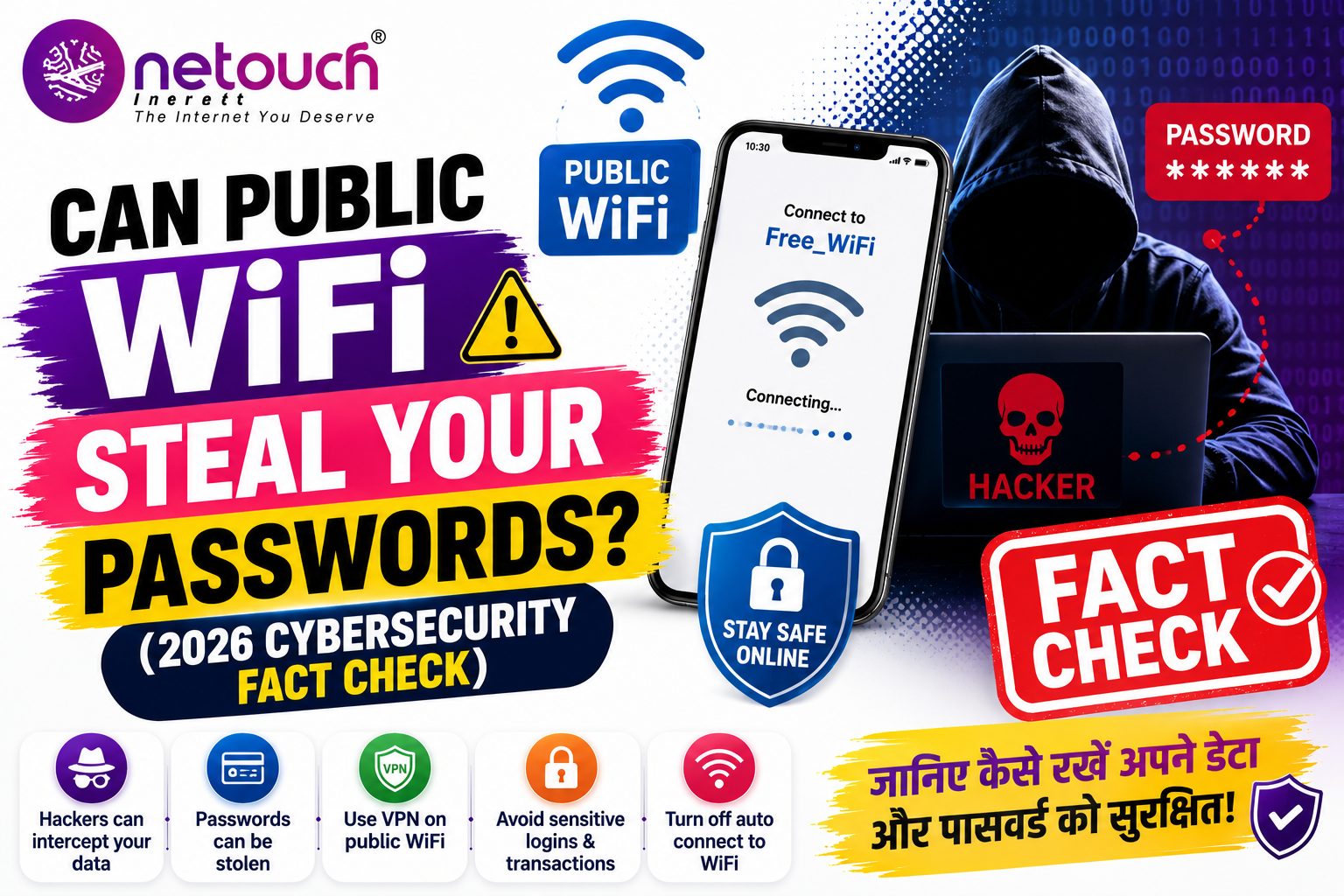
Can Public WiFi Steal Your Passwords? (2026 Cybersecurity Fact Check)
Can Public WiFi Steal Your Passwords? (2026 Cybersecurity Fact Check)
Using free WiFi at airports, cafes, hotels, shopping malls, or railway stations is convenient—but can hackers steal your passwords while you're connected?
Many people believe that simply connecting to public WiFi automatically exposes all their passwords. Others think public WiFi is completely safe because most websites now use HTTPS encryption.
So what's the truth?
The short answer is: Public WiFi itself doesn't automatically steal your passwords, but an unsecured or malicious network can increase your security risks if you're not careful.
✅ Fact Check
Modern websites that use HTTPS encrypt data between your device and the website, making it much harder for attackers on the same network to read your passwords in transit. However, fake WiFi hotspots, phishing pages, malware, or insecure websites can still put your credentials at risk.
How Public WiFi Can Become Dangerous
Public WiFi networks are often open or shared by many users. If the network isn't properly secured—or if it's actually operated by an attacker—there are several ways cybercriminals may try to compromise your information.
✔ Fake WiFi hotspots ("Free Airport WiFi")
✔ Phishing login pages
✔ Malware downloads
✔ Session hijacking attempts
✔ Unencrypted websites
✔ Fake software updates
Can Hackers Actually See Your Password?
In many cases, passwords sent to reputable websites over HTTPS are encrypted, making them difficult for someone on the same network to read directly.
However, attackers may attempt to steal passwords through other methods, such as creating fake login pages that imitate popular websites, tricking users into installing malicious software, or convincing them to enter credentials into fraudulent portals.
This means the biggest risk is often not the WiFi technology itself—it's being deceived into giving away your information.
Places Where Public WiFi Is Common
| Location | Risk Level |
|---|---|
| Airport | Medium |
| Hotel | Medium |
| Coffee Shop | Medium |
| Railway Station | Medium to High |
| Unknown Free WiFi Network | High |
💡 Key Takeaway
Public WiFi isn't automatically unsafe, but you should never assume every public network is trustworthy. Staying alert, verifying networks, and following good cybersecurity practices can greatly reduce your risk.
Public WiFi: Myths vs Facts
There are many misconceptions about public WiFi. Understanding the facts can help you make smarter security decisions.
| Myth | Fact |
|---|---|
| Connecting to public WiFi instantly exposes all your passwords. | Simply connecting doesn't automatically reveal passwords, but insecure or fake networks can create opportunities for attacks. |
| HTTPS makes public WiFi completely safe. | HTTPS greatly improves security, but it doesn't protect you from phishing, fake login pages, or malware. |
| Only hackers can create fake WiFi. | Anyone with basic equipment can create a network that looks legitimate. |
| Using a password manager is risky on public WiFi. | A reputable password manager can improve security by generating and storing strong, unique passwords. |
How to Stay Safe on Public WiFi
Following a few simple precautions can significantly reduce your cybersecurity risk when using public networks.
✅ Verify the official WiFi network name with staff.
✅ Visit only HTTPS websites.
✅ Enable Two-Factor Authentication (2FA).
✅ Keep your operating system and apps updated.
✅ Turn off automatic WiFi connections.
✅ Avoid accessing online banking on unknown public networks.
✅ Disable file sharing when using public WiFi.
✅ Log out after finishing your session.
Common Mistakes That Put Passwords at Risk
❌ Connecting to "Free WiFi" without confirming it's genuine.
❌ Ignoring browser security warnings.
❌ Reusing the same password on multiple websites.
❌ Downloading software from pop-up messages.
❌ Clicking unknown links in emails or messages.
❌ Turning off security features to access a network.
❌ Sharing sensitive information on unfamiliar websites.
Do You Need a VPN?
A Virtual Private Network (VPN) encrypts your internet traffic between your device and the VPN service, adding another layer of protection—especially on public networks.
While a VPN can improve privacy and reduce certain risks on untrusted networks, it is not a complete solution. It cannot protect you if you voluntarily enter your password into a fake website or install malicious software.
Real-Life Scam Example
Imagine you're at an airport and see two WiFi networks:
📶 Airport_Free_WiFi
📶 Airport WiFi
One may be the official network, while the other could be created by an attacker. If you connect to the fake network and enter your email or banking credentials into a fraudulent login page, your information could be stolen—even though you thought you were using free internet.
This is why verifying the official network name before connecting is so important.
Frequently Asked Questions
Not automatically. The greatest risks usually come from fake networks, phishing attacks, malware, or entering your credentials on fraudulent websites.
HTTPS helps secure communication with websites, but it doesn't prevent phishing, fake login pages, or malware. Good browsing habits remain essential.
Not necessarily. Public WiFi can be used more safely by verifying the network, using HTTPS, enabling 2FA, keeping devices updated, and avoiding sensitive transactions on unknown networks.
🔒 Stay Safe Online with Smart Cybersecurity Habits
Cyber threats are constantly evolving, but simple habits like using strong passwords, enabling 2FA, verifying WiFi networks, and staying alert can greatly reduce your risk. Protect your personal data before it's too late.
Learn More →