- Internet Technology
-
2026-01-10 18:02:14
WiFi Signal Kaise Badhaye: Ghar aur Office ke Liye Puri Guide
Admin
📶 WiFi Signal Weak Kyun Hota Hai?
WiFi signal kam hone ke kai reasons ho sakte hain:
-
Router galat jagah par rakha hona
-
Deewarein, lohe ke darwaze, ya concrete structure
-
Purana router ya outdated technology
-
Zyada devices ek sath connected hona

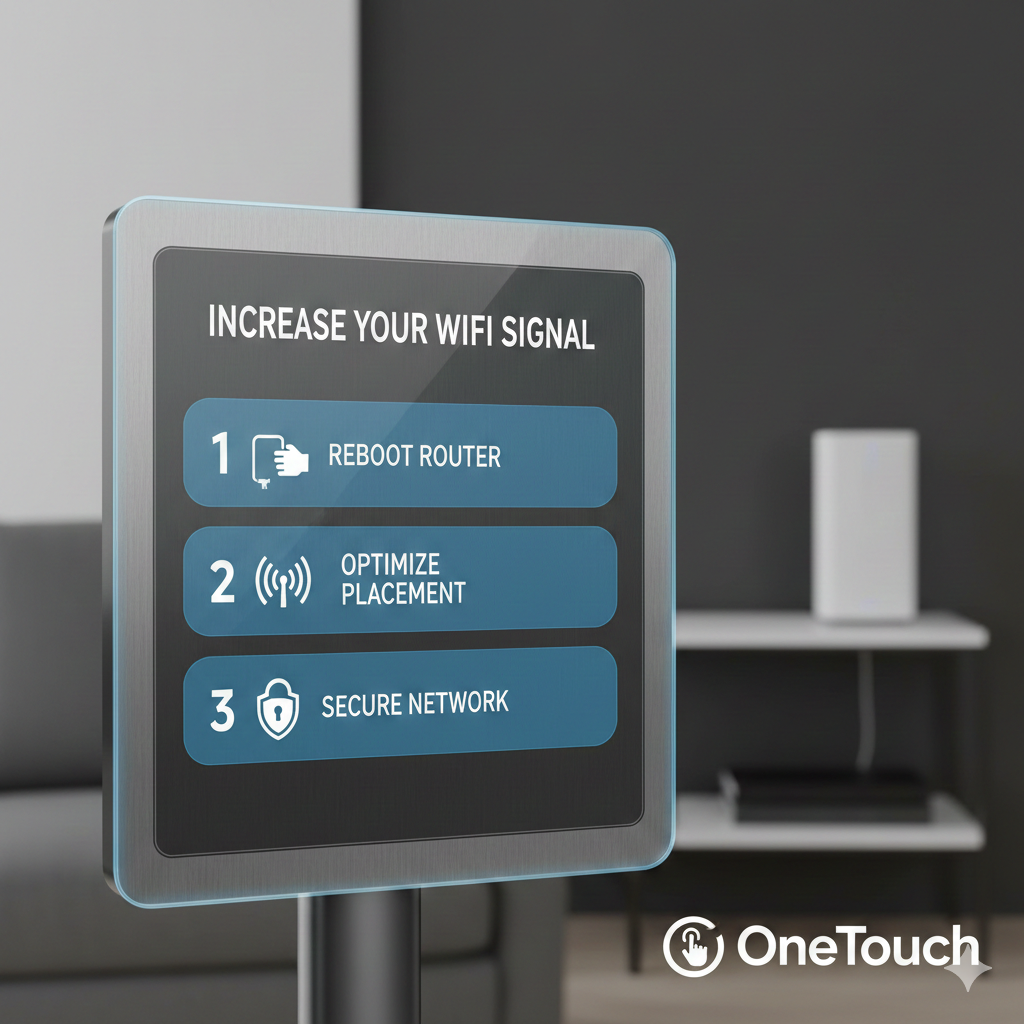
🏠 Router ki Sahi Placement Karein
-
Router ko hamesha center location me rakhein
-
Zameen par nahi, thoda upar (table ya wall mount)
-
TV, fridge, microwave se door rakhein

🔄 Router Restart aur Firmware Update
-
Hafte me ek baar router restart karein
-
Company ke app ya website se firmware update check karein
📡 WiFi Repeater ya Mesh Network Use Karein
-
Bade ghar ya office ke liye WiFi Repeater lagayein
-
Best performance ke liye Mesh WiFi System use karein

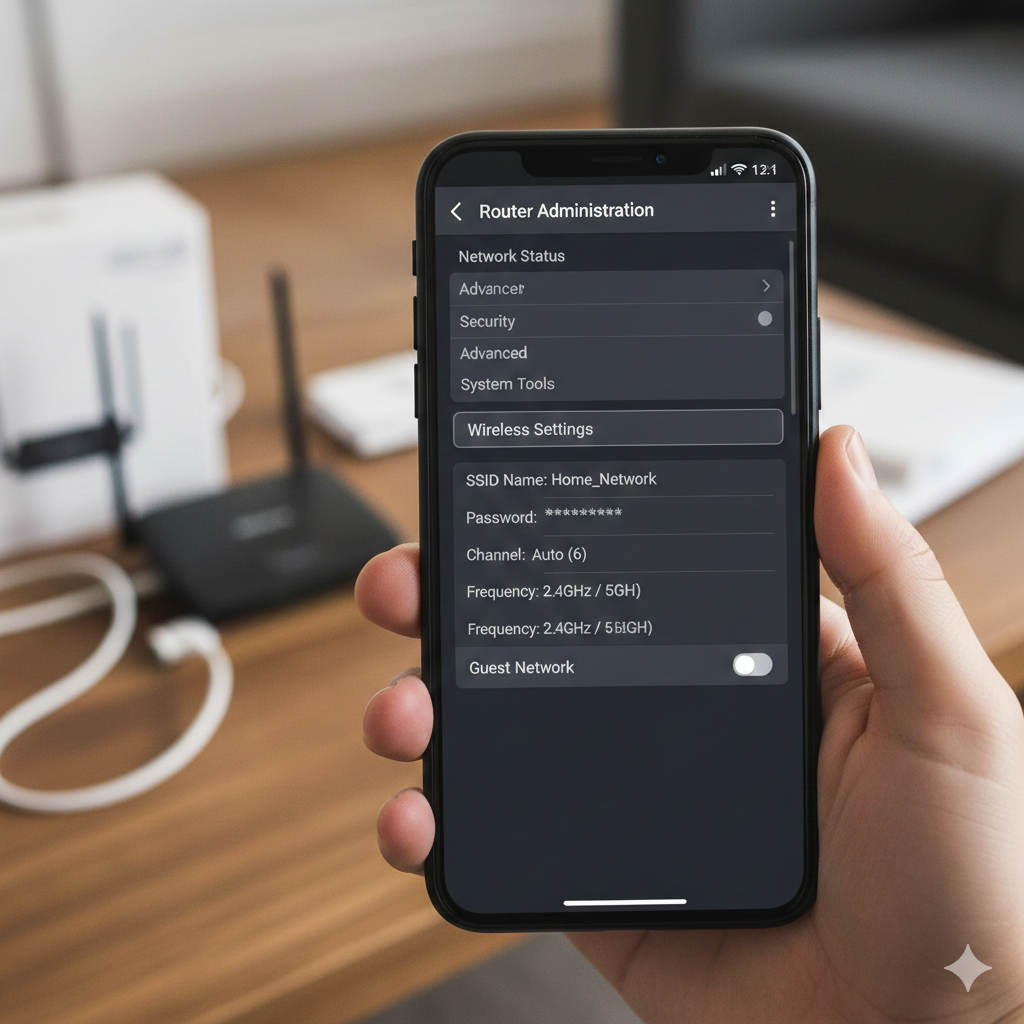
⚙️ WiFi Channel aur Band Change Karein
-
2.4GHz band: zyada range, kam speed
-
5GHz band: kam range, zyada speed
-
Router settings me jaakar best channel select karein
🚫 Common Galtiyan Jo Avoid Karni Chahiye
-
Router ko almari ke andar rakhna
-
Password share kar dena (zyaada users)
-
Purane cables aur adapters use karna
✅ Conclusion
Agar aap in simple tips ko follow karte hain, to aap apne WiFi signal ko kaafi had tak improve kar sakte hain. Ghar ho ya office, strong WiFi aaj ke time me bahut zaroori hai.